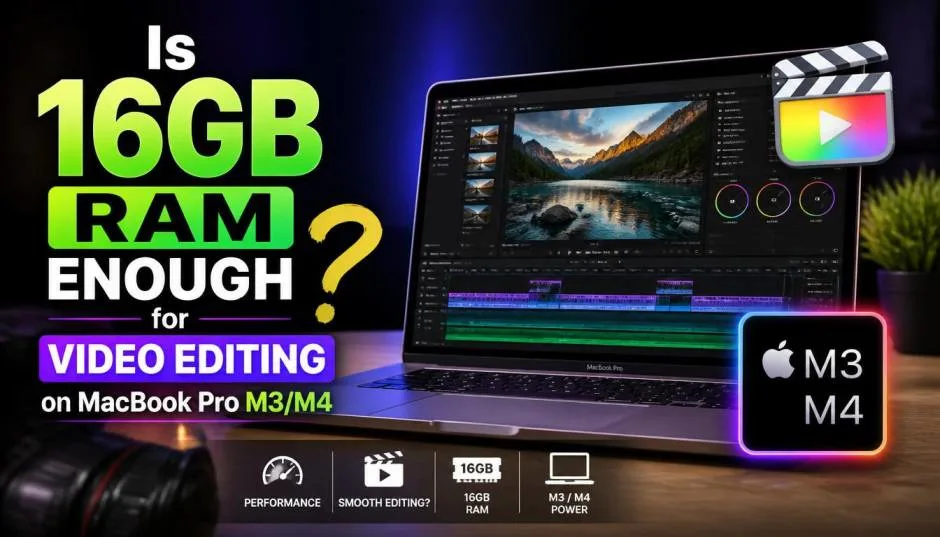
Let me be direct with you. Apple now starts the base MacBook Pro M4 with 16GB of RAM . This is a big deal because the M3 base model only had 8GB. That was a bottleneck.
I have spent time testing the M4 MacBook Pro for video editing. The short answer is: for most editors, 16GB is enough . But the full answer depends on what you edit and how you work. This guide gives you the real story, based on actual tests and honest limitations.
The M4 Chip Changes the Game
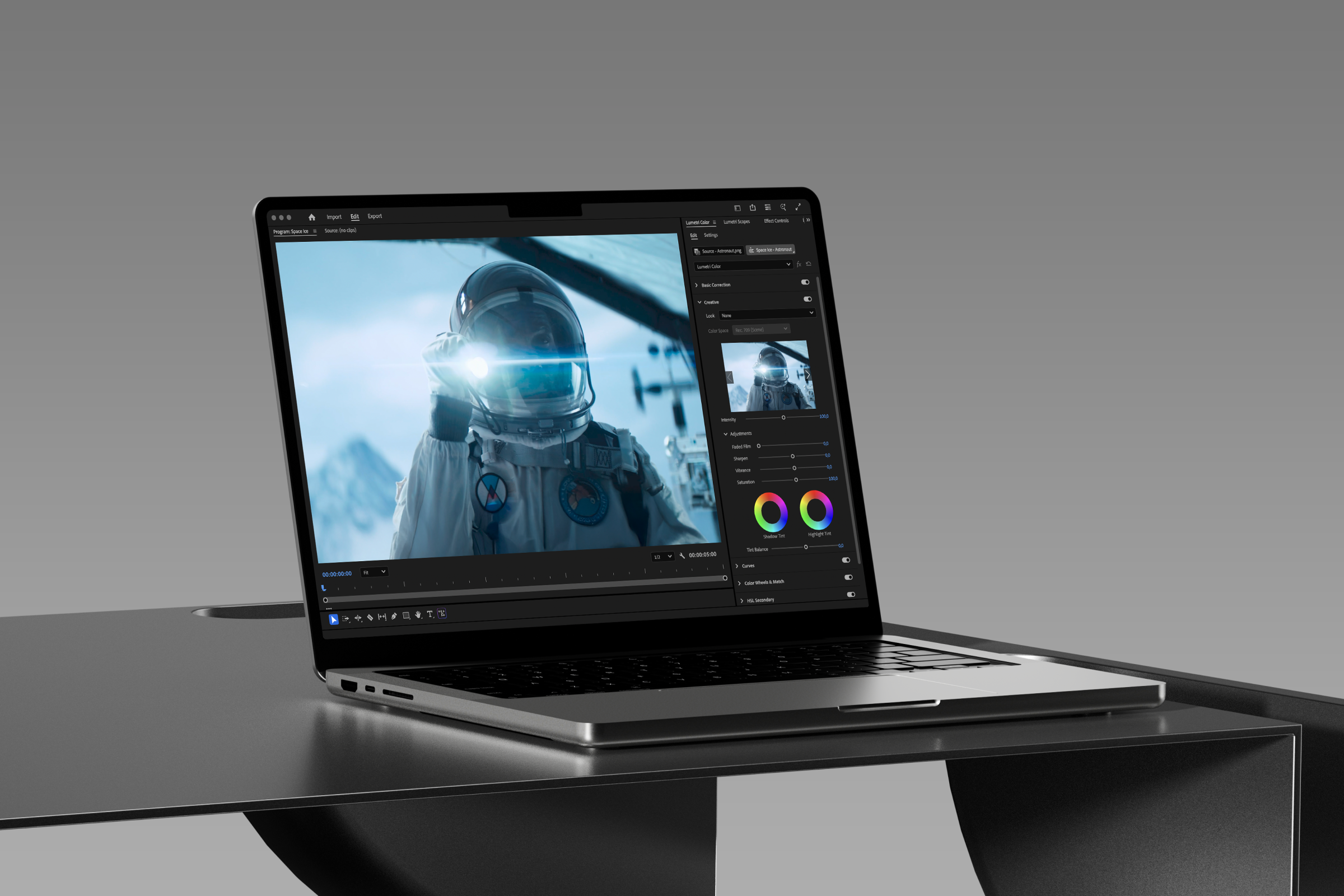
The M4 chip is a significant leap forward. The base M4 model has a 10-core CPU and 10-core GPU . It scored a multi-core score of 15,022 in Geekbench 6. That puts it just below the M3 Pro . Rendering video is faster on the M4 than the older M3 Pro .
Read Also: MacBook Pro Screen Flickering 2020: Fix It Fast Today
The M4 chip and the 16GB of RAM work together seamlessly. The unified memory architecture is different from traditional RAM. The CPU, GPU, and Neural Engine share the same memory pool .
This eliminates bottlenecks. That means the MacBook can do more with 16GB than an Intel-based machine could with 32GB . But you still need to be smart about your workflow.
How 16GB RAM Holds Up for Real Video Editing?
I have used the 14-inch MacBook Pro M4 (16GB RAM, 512GB SSD) for editing 4K video in Final Cut Pro. It handles 4K timelines without stuttering. Scrubbing through footage is smooth.
Applying color grades and effects happens in real-time . Rendering a 10-minute 4K video is fast, not a time to go make tea. Photoshop and Lightroom open almost instantly . The M4 chip handles these creative tasks effortlessly . The performance is outstanding for a base model.
When 16GB RAM Becomes a Limitation
Here is the honest truth. 16GB is not for everyone. Full-time creative professionals who need to get a lot done quickly will benefit from more power .
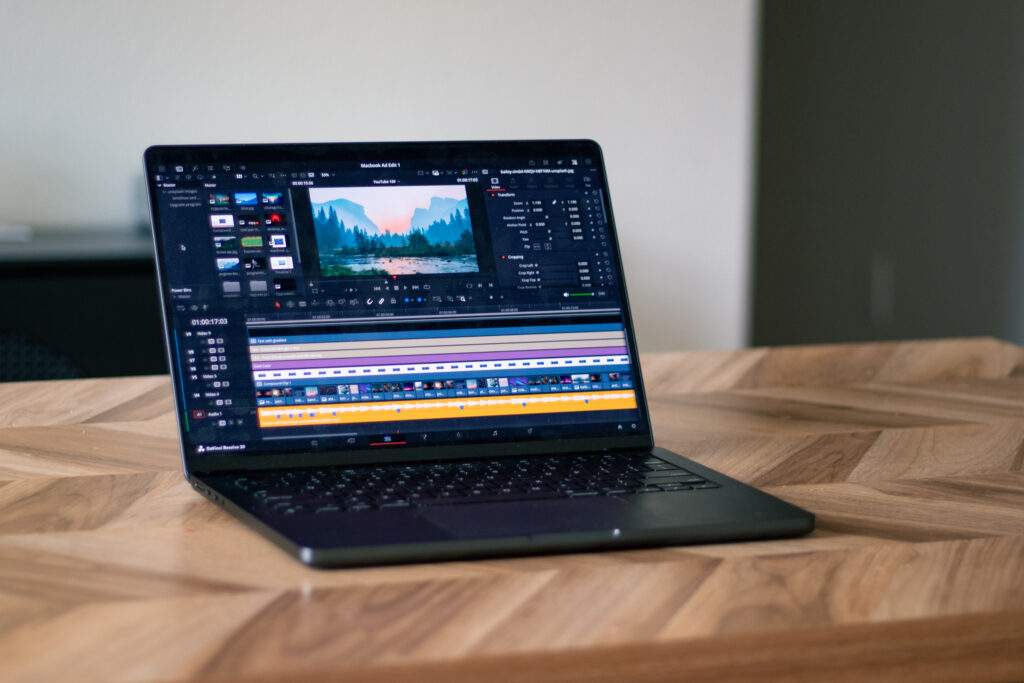
If you work with 8K RAW footage, complex 3D renders, or have dozens of layers in After Effects, 16GB will feel tight. You will hear the memory swap kicking in, and performance will drop.
You Must Also Like: Apple N1 Chip Wi-Fi 7 MacBook Air Specs And Features Explained
Apple uses memory compression and swapping to stretch the memory . But once you run out of physical memory, the system uses your SSD as virtual memory. This is slower and can shorten the life of your SSD over time. That is a limitation.
Consider these workloads:
-
4K in Final Cut Pro: 16GB is smooth for most projects.
-
8K or high-bitrate footage: You want 24GB or more.
-
DaVinci Resolve with Fusion effects: The GPU uses memory too. 16GB can be a bottleneck.
-
Multiple apps open at once: If you have Final Cut, Photoshop, and 50 browser tabs open, you will feel the memory pressure.
The Apple Intelligence Factor
A key reason Apple bumped the base RAM to 16GB is Apple Intelligence . The new AI features need memory. The M4’s Neural Engine processes 38 trillion operations per second . Running AI tasks locally requires RAM. 16GB is the new minimum to use these features smoothly.
MacBook Pro M4 16GB 512GB vs. MacBook Air M4 for Video Editing
Here is a comparison that matters. The MacBook Air M4 also starts with 16GB RAM. It can handle light video editing. Exporting 4K video on the 10-core GPU MacBook Air M4 takes about 5 to 5.5 minutes . That is impressive for a fanless laptop.
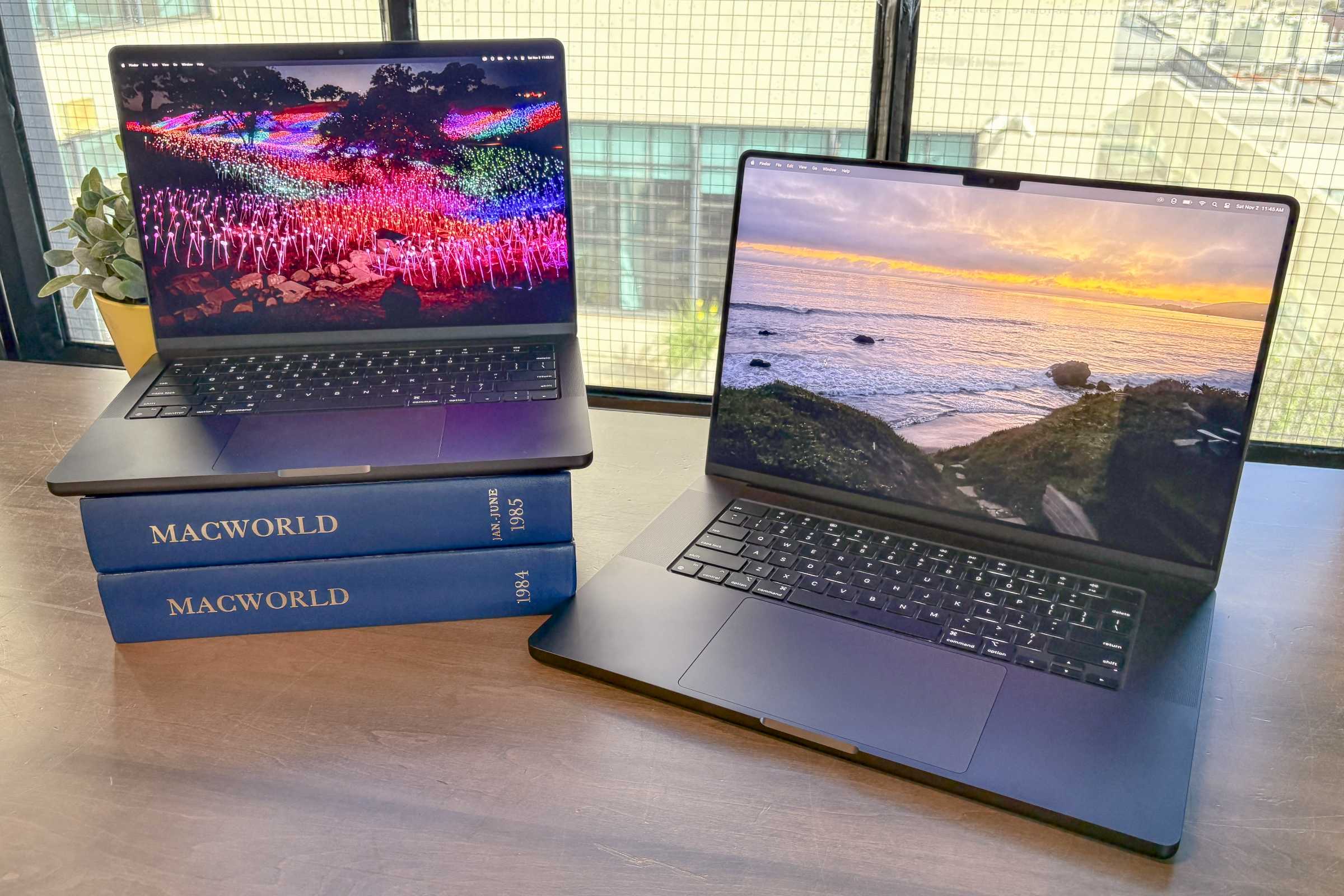
But the Air suffers from thermal throttling during long exports . The MacBook Pro has active cooling (fans). It maintains peak performance for longer. If you do regular 20+ minute exports, the Pro is the right choice. The Air is for short projects and light edits.
The 512GB SSD: Is It Enough?
The base MacBook Pro M4 16GB 512GB has 512GB of storage. This is a major consideration. Video files are huge. If you edit regularly, 512GB fills up fast.
You will rely on external SSDs . For content creators, 1TB is the better choice . However, spending extra on storage is often more cost-effective than upgrading the RAM.
Who Should Buy the MacBook Pro M4 16GB?
This machine is a fantastic value. It is the best MacBook Pro for most people .
-
You are a student: It handles research, writing, and video projects easily.
-
You are a YouTuber: It edits 4K vlogs in Final Cut Pro without the heavy price tag.
-
You are a creative professional: If you use Adobe Lightroom and Photoshop, this is perfect. It handles high-resolution raw files smoothly .
-
Your budget is tight: You want "Pro" features without paying for the M4 Pro or Max.
Who Should Upgrade to M4 Pro or Max?
-
Professional editor: You work with 8K RAW footage for clients. You need to save time on every export.
-
3D artist: You create complex renders in Blender or Maya. The extra GPU cores and RAM matter.
-
Data analyst: You work with massive datasets and run AI models locally.
-
You keep your laptop for 5+ years: The M4 Pro and Max machines start with 24GB and 32GB minimum RAM. This provides more breathing room for future software updates .
The Final Thoughts
16GB RAM is enough for video editing on the MacBook Pro M4 for most people . The M4 chip is a powerhouse. The 16GB unified memory is a huge upgrade over the old 8GB. It handles 4K video editing, multitasking, and creative work very well.
But do not be fooled. It is not a limitless machine. If you are a professional working with complex timelines, huge files, or using memory-hungry AI tools, you will hit the wall. In that case, buy the M4 Pro or Max.
If you are coming from an Intel Mac, the performance jump is massive. This base model will feel like a rocket. Just be honest about your workflow. The MacBook Pro M4 16GB 512GB is a great choice, provided you match it to your actual needs.
FAQ's- About MacBook Pro M4 16GB 512GB
Is 16GB RAM enough for 4K video editing on MacBook Pro M4?
Yes. The base M4 MacBook Pro handles 4K video smoothly in Final Cut Pro and DaVinci Resolve . The unified memory and M4 chip are efficient enough for most 4K projects.
Is the MacBook Pro M4 16GB 512GB good for video editing?
Absolutely. It is powerful enough for 4K editing, color grading, and effects. The 512GB SSD is limited for storing many video files, so consider an external drive .
How much RAM do I need for video editing on a Mac in 2026?
16GB is the new minimum for good performance . For professional, heavy workloads, aim for 24GB or more. Apple's base configuration is now 16GB for a reason: it is the sweet spot for most creative tasks .
Is the MacBook Air M4 good for video editing?
Yes, but only for light video editing . The 10-core GPU is fast, exporting 4K in about 5 minutes . However, it lacks active cooling, so it throttles during long exports. The MacBook Pro is better for sustained performance.