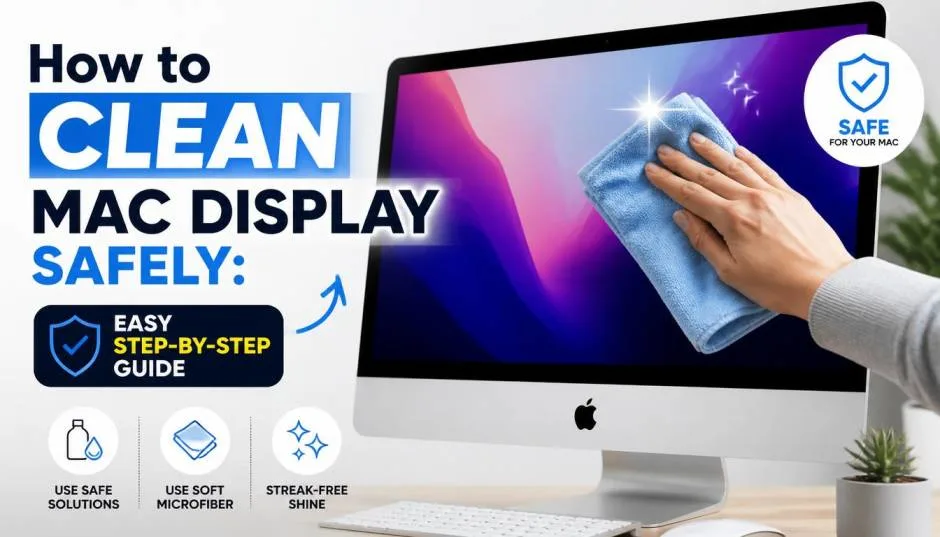
Learning how to clean mac display sounds straightforward. Then you see the smudges, the fingerprints, the dust that won’t budge. You grab a tissue and some glass cleaner. That’s when things go wrong.
I’ve cleaned hundreds of screens over the years, including a 2016 MacBook Pro that I nearly ruined with a single spray of Windex. Apple’s official guidance is clear: water first, 70% isopropyl alcohol only for tough stains.
Here’s what actually works, what destroys your screen, and why the “isopropyl alcohol is safe for everything” advice is flat-out wrong for Macs.
Know, How to Clean a MacBook Screen?
What Apple Actually Recommends?
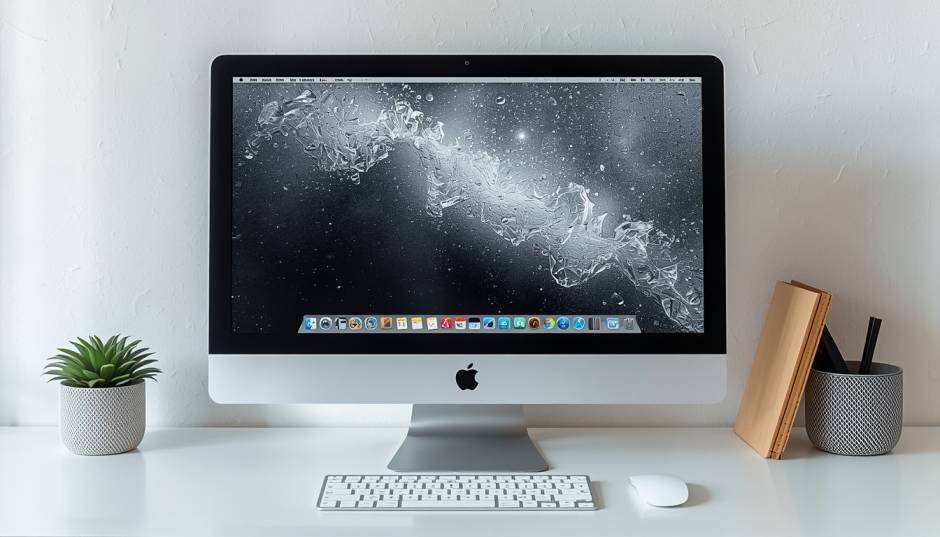
Apple’s official support page lists the steps. Power down your Mac. Unplug the power adapter. Unplug every connected device. Then dampen a soft, lint-free cloth with water only. Wipe the screen. That’s it for normal cleaning.
Read Also: MacBook Screen Recording: How to Record Your Screen?
The cloth matters. Apple specifies “soft, lint-free.” Microfiber works. Old t-shirts do not. Paper towels definitely do not. Those scratch the coating.
Why Water First?
Your Mac display has a thin oleophobic coating on the surface. It repels oils from your fingers. Water lifts dust and light smudges without touching that coating. Alcohol and other solvents break it down over time.
I learned this the hard way on a 2015 MacBook Air. I used alcohol wipes every week. Within a year, the coating wore off in patches. The screen showed permanent shiny spots under light. That’s not repairable without replacing the entire display assembly.
Best for: Daily dusting, light fingerprints, routine maintenance.
When Water Fails: The 70% Isopropyl Alcohol Exception?
Apple’s Specific Approval
Apple does allow isopropyl alcohol (IPA) for difficult stains or fingerprints. The support document says you can use a cloth dampened with a 70% IPA solution to gently wipe the screen or the exterior of your MacBook.
Note the wording. “Difficult stains.” “Gently wipe.” This is not a routine cleaning method.
How to Use IPA Safely
Don’t spray anything on the screen. Apple warns against this repeatedly. Liquid can drip inside the display and cause permanent damage.
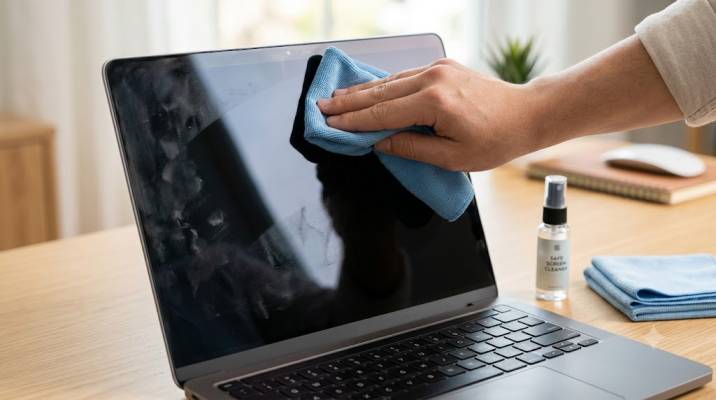
Dampen a corner of your microfiber cloth with 70% IPA. Wipe the stain with that corner. Don’t soak the screen. Don’t scrub. Then buff with a dry section of the cloth.
I keep a small bottle of 70% IPA for one purpose: removing sticker residue or mystery gunk from a used Mac I’ve just bought. For my own daily use, water is enough.
Best for: Stubborn fingerprints, oily smudges from food, residue that water won’t lift.
Not for: Routine cleaning, weekly wiping, removing dust.
The Danger: Why Alcohol Damages Some Screens?
The Coating Problem
Modern displays have multiple microscopic layers. Anti-reflective coating. Anti-glare coating. Hardening layers. These sit on top of the actual LCD or OLED panel.
Alcohol is a polar organic solvent. It dissolves certain compounds in those coatings. The damage isn’t instant. It happens gradually. You clean once. The screen looks fine. You clean again. Still fine. Months later, you notice cloudy patches. Uneven matte texture. A permanent “oil film” that won’t come off.
You Must Also Like: How to Boot Mac Into Recovery Mode without Keyboard?
The repair industry calls this “alcohol screen damage” or “酒精花屏” in Chinese. It looks like the screen was steamed. The coating is gone in those areas. There’s no fix except replacing the display.
Dell’s Warning vs. Apple’s Guidance
Here’s where things get confusing. Dell’s official support documentation explicitly says do not use alcohol on their monitors. Using alcohol voids the warranty and classifies the damage as “Customer Induced Damage”.
Apple says 70% IPA is acceptable for tough stains on MacBooks. This contradiction confuses people. The difference? Apple has tested their specific coatings with 70% IPA. Dell’s coatings may react differently. Or Dell is being overly cautious to avoid warranty claims.
My take: Apple permits it, but sparingly. Treat IPA like a last resort, not a cleaning solution.
What Never to Use on a Mac Display?
The Complete Blacklist
Apple’s support pages list prohibited cleaners. Memorize these:
-
Window cleaners (Windex, etc.) — contains ammonia
-
Household cleaners — unknown chemicals
-
Aerosol sprays — propellants damage coatings
-
Solvents — acetone, benzene, toluene
-
Ammonia — strips anti-glare coating
-
Abrasives — scratches the surface
-
Hydrogen peroxide — damages finish
-
Acetone — specifically called out by Apple as damaging
Dell adds alcohol to their prohibited list, though Apple allows 70% IPA for tough stains. When in doubt, follow Apple’s guidance for Apple products.
The Paper Towel Mistake
I see people do this constantly. They grab a paper towel, dampen it, and wipe. Paper towels contain wood fibers. Those fibers are abrasive at a microscopic level.
They scratch the coating and the glass. Over time, your screen develops fine swirl marks that scatter light. It looks hazy. Use microfiber. Nothing else. The $5 pack of microfiber cloths from any store is the best investment you can make for your Mac.
Step-by-Step: The Safe Cleaning Method I Use
Preparation
-
Shut down your Mac. Not sleep. Full shutdown.
-
Unplug the power adapter. Unplug every cable. Unplug accessories.
-
Gather your tools. One clean microfiber cloth. Distilled water (not tap—tap leaves mineral deposits). A second dry microfiber cloth for buffing.
The Clean
-
Wipe dry first. Use the dry cloth to remove loose dust. Gentle circular motions. Don’t press hard. Dust particles can scratch if you grind them into the screen.
-
Dampen a corner. Dip one corner of the cloth in distilled water. Wring it out. It should be barely damp, not wet.
-
Wipe the screen. Use the damp corner. Gentle circular motions. Start at the center, work outward. Don’t let moisture run into the edges or the hinge.
-
Buff dry. Use the dry section of the cloth. Remove any streaks or remaining moisture.
-
Let it air dry completely before powering back on.
If Stains Remain
Dampen a clean corner with 70% IPA (not 91% or 99%—those are too strong). Wipe only the stained area. Don’t scrub. Then buff with a dry cloth.
If IPA doesn’t remove it, the stain may have etched into the coating. No cleaner will fix that. You either live with it or replace the display.
The Nano-Texture Exception
Some newer Macs (Pro Display XDR, certain iMacs) have Nano-texture glass. This is a matte finish created by etching the glass at a microscopic level.
Apple has separate cleaning instructions for Nano-texture. You use only the polishing cloth that came with the display. You can dampen it with water, but that’s it. No alcohol. No cleaners. The texture is fragile.
If you’re unsure whether your Mac has Nano-texture, check the original packaging or your purchase receipt. It’s a costly upgrade, so you’d probably know. But it’s worth confirming before you touch the screen with anything wet.
The Final Thoughts
Clean your Mac display with water and a microfiber cloth. That handles 95% of situations. Use 70% isopropyl alcohol only for stubborn stains Apple explicitly permits this but sparingly.
Never use Windex, paper towels, ammonia, acetone, or anything abrasive. Power down first. Be gentle. Your screen’s coating is thinner than a human hair. It doesn’t take much to destroy it permanently.
FAQ's- About Best Way to Clean Computer Screen
Can I use disinfecting wipes?
Apple specifically mentions Clorox disinfecting wipes as acceptable for hard surfaces, but the guidance is confusing for screens. I wouldn’t risk it. The wipe’s chemicals may include ingredients that damage coatings.
What about distilled water vs. tap water?
Distilled. Tap water has minerals that leave streaks and can etch glass over time.
My screen has a permanent smudge. Is it ruined?
If IPA won’t remove it and the coating looks different in that area, the oleophobic layer may be gone. That’s permanent. The screen still works, but it will show fingerprints more easily there.
How often should I clean my Mac screen?
Light dusting once a week with a dry microfiber cloth. Deeper water cleaning only when you see smudges. The less you touch it, the longer the coating lasts.