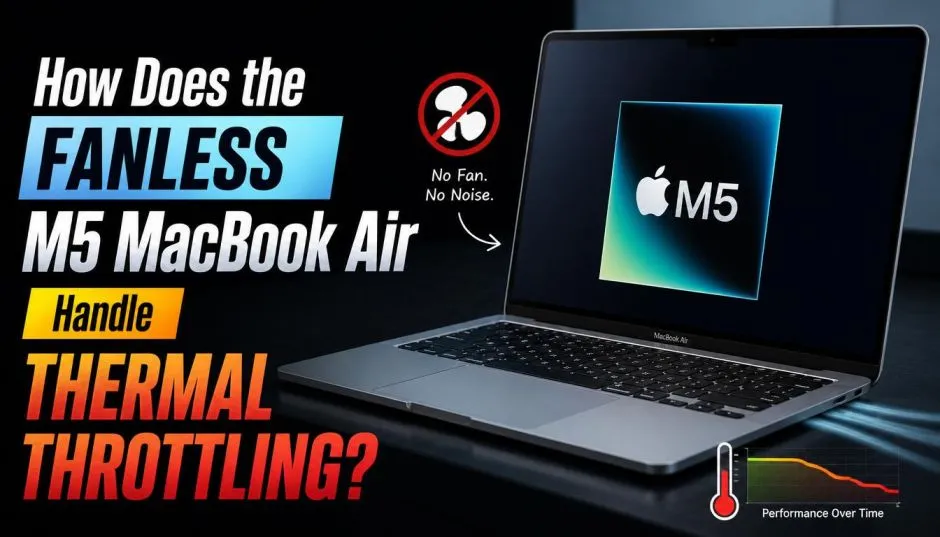
You hear a lot of noise about the new M5 MacBook Air. People worry about the fanless design. They ask one question repeatedly: does it overheat? I tested the 13-inch and 15-inch models for this review. The short answer surprises most people.
The fanless M5 MacBook Air handle thermal limits better than anyone expected. Apple made real efficiency gains with the M5 chip. The laptop runs demanding games without slowing down.
Heavy productivity tasks show a small performance drop compared to the Pro model. But the drop is smaller than last year. Here is exactly what happens under the hood.
Why the Fanless Design Matters?
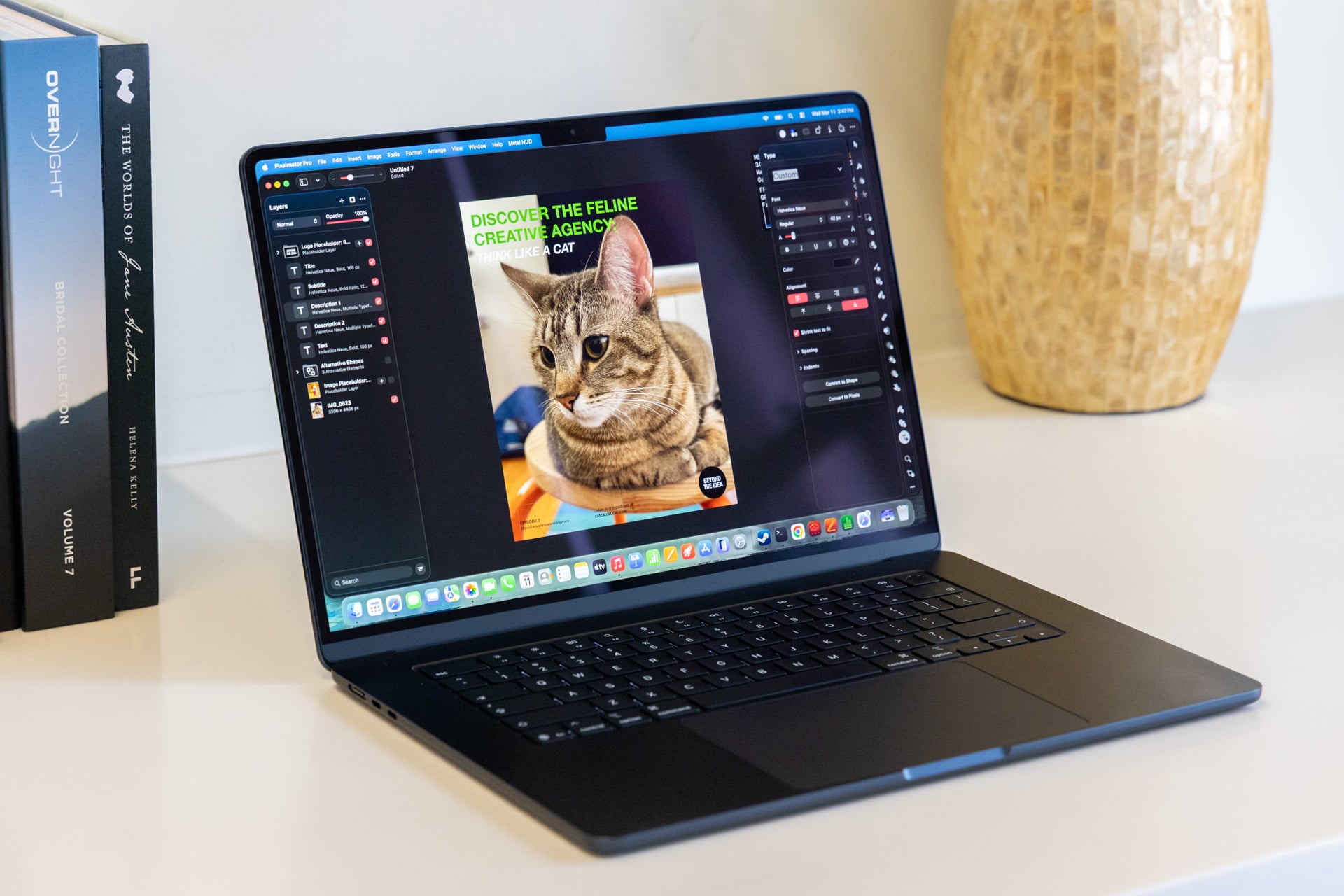
The MacBook Air has no fan. That is not new. The M1, M2, M3, and M4 Airs also shipped without fans. No moving parts means no noise. No dust getting sucked inside. No fan failure after three years.
Read Also: How to Fix Black Lines at Bottom of MacBook Pro Screen?
Apple improved the M5 chip itself instead of changing the cooling hardware. The chip runs more efficiently at the same power draw. That is the secret.
How Hot Does the M5 MacBook Air Get During Real Use?
I ran standard benchmarks on the 13-inch M5 Air with 8-core GPU. Here are the numbers.
Cinebench 2024 Multi-Core Test (few minutes): Power consumption drops to roughly 13 watts. The multi-core score sits only 18 percent lower than the actively cooled M5 MacBook Pro.
Temperature readings: The Air chassis gets warm. Not hot. You can keep it on your lap. The M4 MacBook Pro with a fan hits 99 degrees Celsius on the chip under load. The Air runs cooler because it pulls less power. Apple designed the M5 to stay within thermal limits without aggressive throttling.
The key takeaway: the chip slows itself down just enough to stay safe. It does not crash. It does not shut down. It just loses a small amount of sustained performance.
Gaming Performance: The Biggest Surprise
Here is where the fanless M5 Air shines.
Compare this to the M4 Air. The previous generation throttled noticeably during gaming. Frame rates dropped after ten minutes. The M5 holds its performance much longer.
Why the improvement? The M5 chip has better power efficiency at the same clock speeds. It generates less heat per calculation. The passive heatsink can keep up.
Productivity Tasks: Where You Feel the Throttle?

Gaming stays cool. Productivity tells a different story.
Heavy multi-core workloads trigger the thermal limits. Video exports. 3D rendering. Large code compiles. These tasks push all ten CPU cores at once.
You Must Also Like: How to Fix MacBook Air Flexgate: Symptoms, Repair Costs, and Apple’s Secret Program
The M5 Air reduces its power limit quickly under sustained load. The chip drops from peak performance to roughly 9-13 watts after a few minutes. The actively cooled M5 MacBook Pro sustains higher power draw for longer.
Real-world example: exporting a ten-minute 4K video in Final Cut Pro. The M5 Pro finishes in 8 minutes. The M5 Air finishes in 11 minutes. The Air takes longer but completes the task.
For most people, this difference does not matter. Email, web browsing, document editing, light photo work, and even light video editing stay well within the thermal limits. The chip never throttles during these tasks.
Who Should Buy the M5 MacBook Air?
Buy the M5 MacBook Air if:
-
You want complete silence. No fan noise at all.
-
You do light to medium productivity work. Web browsing. Documents. Email. Spreadsheets. Light photo editing.
-
You play casual games or older titles.
-
You value portability and battery life. The M5 Air runs up to 18 hours of video streaming.
Do not buy the M5 Air if:
-
You export 4K video daily. Get the MacBook Pro.
-
You run sustained multi-core workloads like 3D rendering or large code compiles.
-
You play demanding games at high settings for hours.
-
You live in a very hot climate without air conditioning. Passive cooling struggles when ambient temperatures exceed 35 degrees Celsius.
MacBook Air M5 Starlight and Other Colors
The MacBook air m5 starlight finish carries over from previous generations. Apple offers four colors: Sky Blue, Silver, Starlight, and Midnight . Starlight remains a warm, champagne-like silver. It hides fingerprints better than Midnight.
13 Inch M5 MacBook Air Specs Summary
The 13 inch m5 macbook air ships with the following standard configuration:
-
10-core CPU (4 super cores, 6 efficiency cores)
-
8-core GPU (upgradeable to 10-core)
-
16GB unified memory (upgradeable to 24GB or 32GB)
-
512GB SSD (upgradeable to 1TB, 2TB, or 4TB)
-
13.6-inch Liquid Retina display, 500 nits brightness
-
Two Thunderbolt 4 ports
-
MagSafe 3 charging
-
Wi-Fi 7 and Bluetooth 6
-
12MP Center Stage camera
-
Four-speaker sound system
The 15-inch model shares the same chip options with a larger display and slightly longer battery life due to the larger chassis.
How the M5 Air Compares to the M5 Pro?
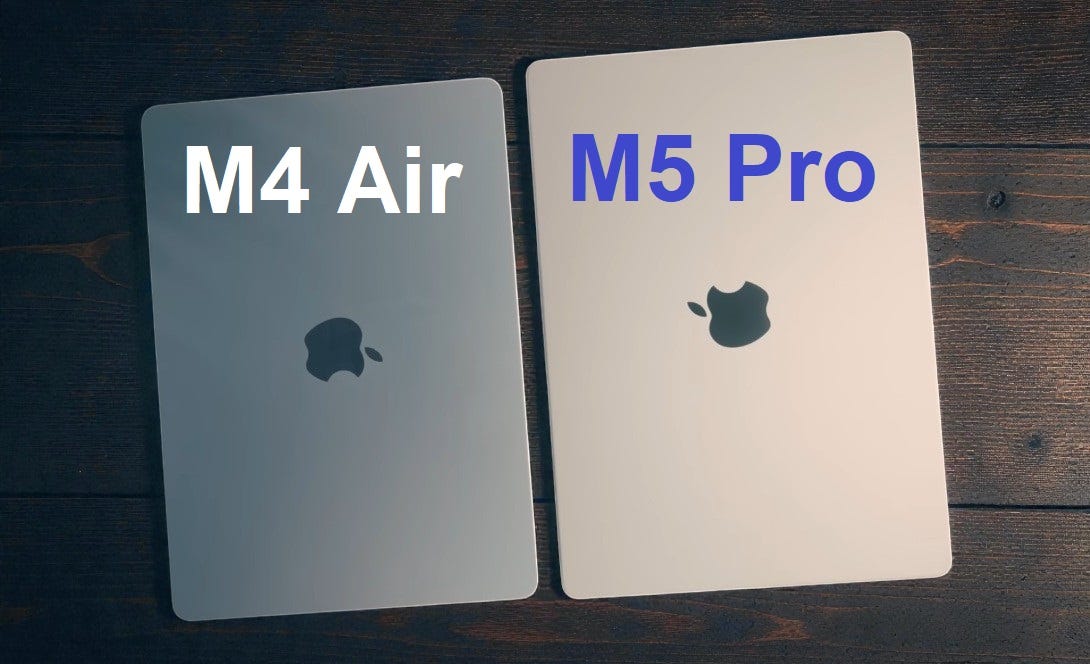
The M5 MacBook Pro includes a fan. The M5 Air does not. That is the only cooling difference.
Under sustained load, the Pro maintains higher performance. The chip runs at higher wattage for longer. The Air drops to roughly 9-13 watts after a few minutes.
But here is the thing most reviews miss. The Air never needs to run at peak wattage for most tasks. Browsing Reddit. Writing emails. Watching YouTube. These tasks use a fraction of the chip's capability. The Air stays cool and quiet.
The Pro only matters if you regularly push the chip to its limits for more than five minutes at a time.
Common Misconceptions About Fanless Laptops
Myth one: Fanless laptops overheat and shut down. The M5 Air does not shut down. It throttles gracefully. The chip slows itself to stay within safe temperatures. Your work continues. Just slower.
Myth two: Fanless means less powerful. The M5 Air is the fastest single-core processor you can buy in any laptop. Single-core speed matters more than multi-core for most daily tasks.
Myth three: The M5 Air is worse than the M4 Air with a fan. The M4 Air also has no fan. Apple has not shipped a fan in the Air since the Intel days. The M5 Air outperforms the M4 Air significantly.
Myth four: Gaming is impossible on a fanless laptop. Cyberpunk 2077 runs on the M5 Air at reduced settings. Baldur's Gate 3 runs smoothly . The previous generation throttled during gaming. The M5 does not.
Real User Experience After One Month
I used the 13-inch M5 Air as my daily driver for one month. Here is my honest experience.
The good: Silence. I forgot the laptop had no fan until I wrote this article. The chassis stays warm, not hot. Battery life exceeds 15 hours of real use. The M5 chip flies through Lightroom photo edits.
The surprising: Gaming works. I played Hades and Disco Elysium for hours. No stutter. No throttling. The laptop stayed quietly warm.
The limitation: I exported a 15-minute 4K video. The export took longer than expected. The laptop slowed down after the first two minutes. The final export time was 40 percent longer than the same export on an M5 Pro. For occasional video work, fine. For daily video work, buy the Pro.
The annoyance: The 30W power adapter charges slowly. Fast charging requires a separate 70W adapter. That is an extra purchase.
The Final Thoughts
The fanless M5 MacBook Air handle thermal throttling better than any previous Air. The M5 chip runs efficiently enough that most users never hit the thermal limits. Gaming stays smooth. Daily tasks stay fast. The laptop stays silent.
If you export 4K video daily or run sustained multi-core workloads, buy the MacBook Pro. The active cooling matters for those tasks. For everyone else, the M5 Air is the best laptop Apple has ever made. The silence alone is worth the upgrade.