Apple held a quiet workshop last week in Cupertino. The topic? Building iPad apps that run seamlessly on Mac. The room filled with developers. The buzz spilled out immediately.
Here is what nobody is talking about. This workshop signals something bigger. Apple is quietly preparing the ground for broader sideloading. Not because they want to. Because regulators are forcing their hand.
Let me connect the dots between a developer workshop, student discounts, and the future of iOS apps on Mac.
What Actually Happened at the Workshop?
Apple invited a small group of developers to their Apple Creator Studio workshop. The focus: optimizing iPad apps for M-series Macs using the latest APIs.
Read Also: Apple Frames 3.1.1 Adds Passthrough Mode for Better Screenshot Automation
The timing matters. This workshop happened just weeks after the EU's Digital Markets Act forced Apple to allow sideloading in Europe. The connection is not subtle.
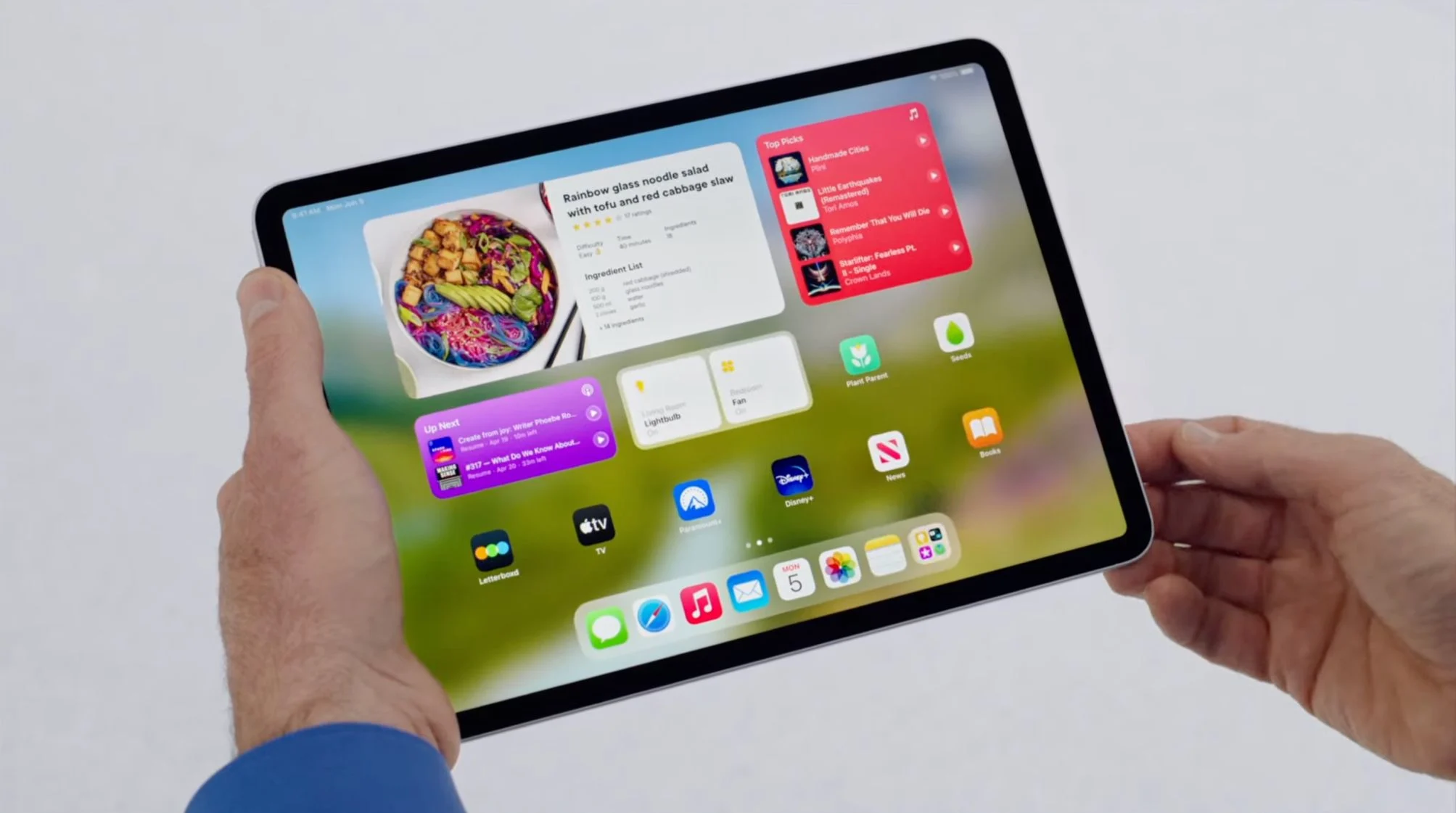
Apple demonstrated new tools that make iPad apps feel native on Mac. Better window resizing. Native menu bar integration. Keyboard shortcut mapping. All the things that made early iPad-on-Mac apps feel clunky.
One attendee told me the demo felt like "Apple finally taking Mac app development seriously again."
But here is the catch. These optimized apps will likely require notarization. Even sideloaded ones. Apple wants control over what runs on your Mac, even if you bypass the App Store.
Can I Sidecar from iPad to Mac? Let Me Explain
Can I sidecar from iPad to Mac? Yes. But you are mixing up two different things.
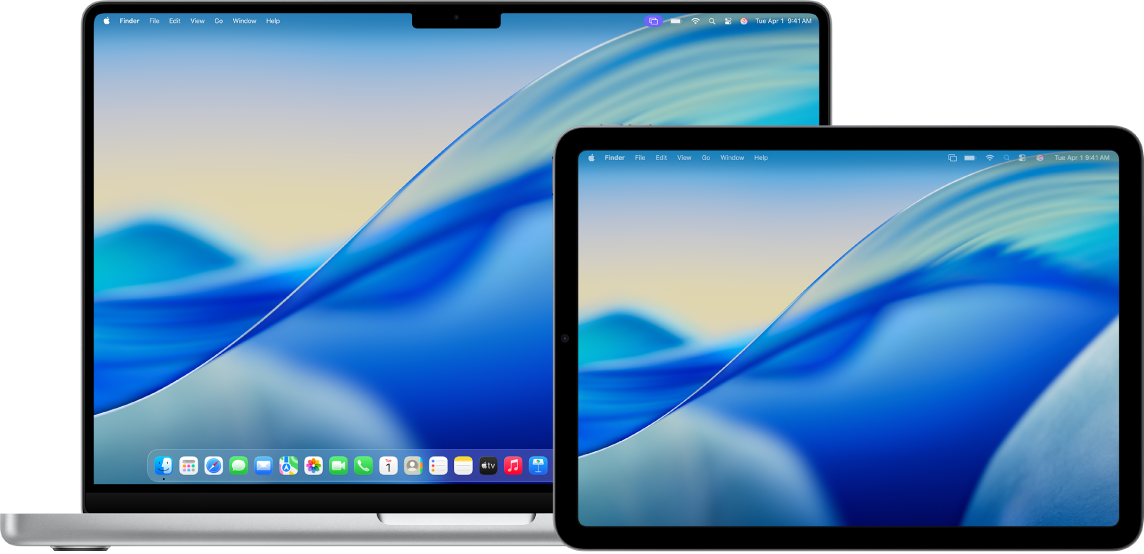
Sidecar is Apple's official feature that turns your iPad into a second display for your Mac . Works wirelessly or over USB. Requires macOS Catalina 10.15 or later and iPadOS 13 or later.
Sideloading is different. That means installing apps from outside the official App Store. Sidecar is a display feature. Sideloading is a distribution method. Different words. Different purposes.
Here is the Sidecar compatibility list:
Macs that work with Sidecar:
-
MacBook Air (2018 or newer)
-
MacBook Pro (2016 or newer)
-
iMac (Retina 5K, 27-inch, Late 2015 or newer)
-
iMac Pro
-
Mac mini (2018 or newer)
-
Mac Pro (2019 or newer)
iPads that work with Sidecar:
-
iPad Pro (all models)
-
iPad (6th generation or newer)
-
iPad mini (5th generation or newer)
-
iPad Air (3rd generation or newer)
Both devices need the same Apple Account with two-factor authentication enabled. For wireless use, stay within 10 meters (30 feet) with Bluetooth, Wi-Fi, and Handoff turned on.
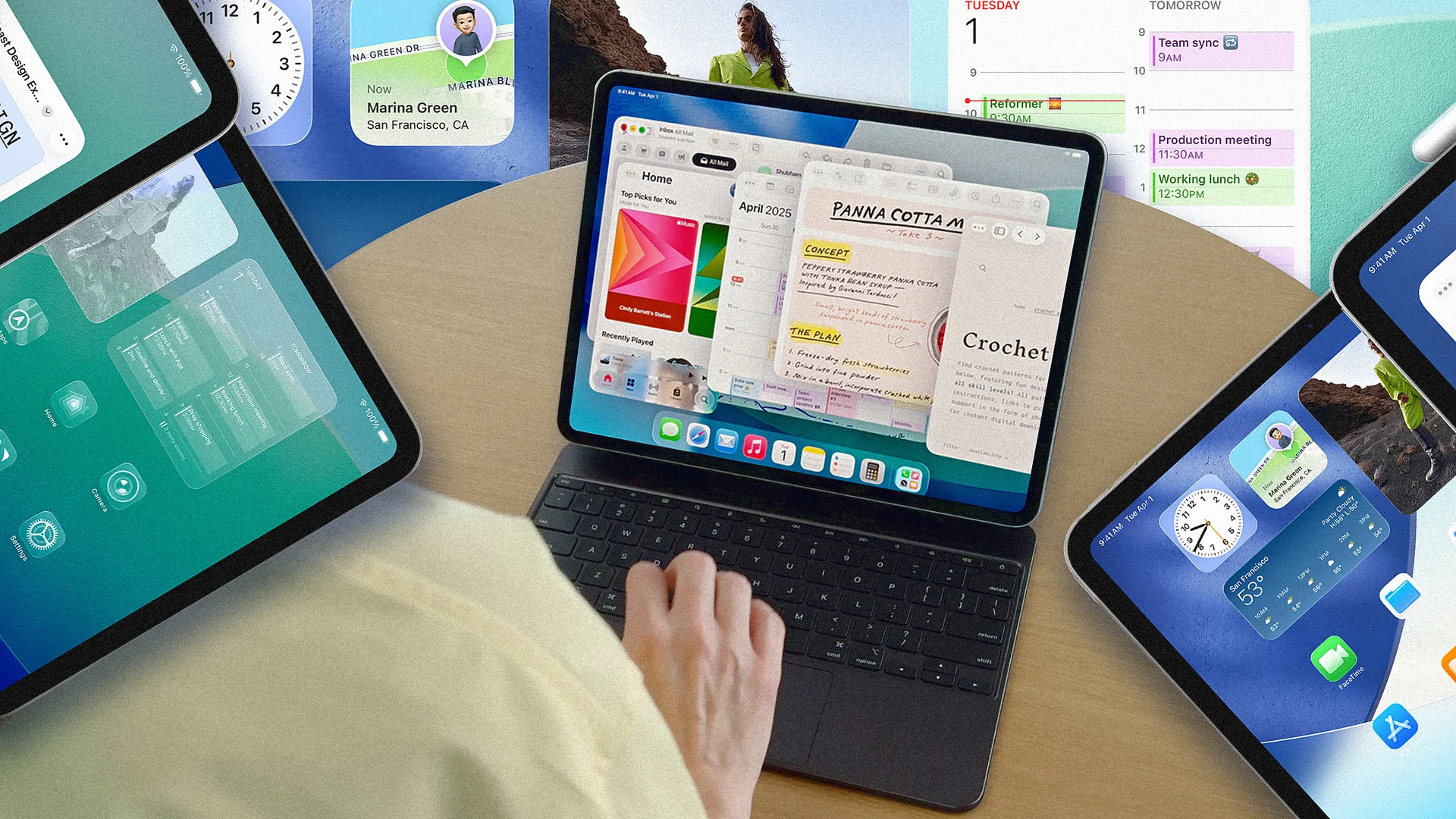
I use Sidecar daily with my M1 MacBook Air and iPad Pro. The latency is minimal over USB. Wireless works but you notice the slight delay when drawing with Apple Pencil.
The Sideloading Reality in 2026
Here is what the workshop signals about sideloading.
Apple Silicon Macs (M1, M2, M3, M4) can natively run iOS and iPadOS apps . The hardware architecture is identical. The limitation is purely software. Apple controls what runs through App Store restrictions and code signing requirements.
The EU's DMA changed this. Apple now allows alternative app marketplaces on iPhones in Europe. The same pressure will hit macOS eventually.
Technical guides for sideloading on Mac already exist . The process involves:
-
Enabling Developer Mode in System Settings > Privacy & Security
-
Obtaining an IPA file (the iOS app package)
-
Using tools like
ideviceinstallerorios-deployto install -
Trusting the developer certificate on first launch
But here is the rub. Sideloaded apps have limitations. Push notifications may not work. iCloud sync can break. Some apps check for official installation and refuse to run.
Apple's workshop likely focused on building apps that work well regardless of how they are installed. Good for developers. Good for users. Smart move by Apple.
Apple Student Discount: What You Actually Save?
The sideloading buzz has nothing directly to do with apple student discount subscription deals. But student developers are the ones building the apps that will run on these systems. So let me cover what students actually save.
Apple Creator Studio launched in January 2026. It bundles Final Cut Pro, Logic Pro, Pixelmator Pro, Motion, Compressor, and MainStage into one subscription. Regular price: 12.99monthlyor12.99monthlyor129 yearly.
Student price: discounted monthly or yearly rates for verified university students and educators.
To qualify, you need:
-
An official university or college ID number
-
An active university email account
-
Current enrollment in a degree-granting program
The verification happens through Apple's system when you select the Education plan. Works for students and educators at accredited higher education institutions.
Apple Music student plan: $5.99 monthly and includes Apple TV+ at no extra cost. This has been available for years and remains one of the best streaming deals anywhere.
Back to Uni 2026 promotion: Runs January 6 through March 11, 2026 in Australia, New Zealand, Brazil, and South Korea . Students buying an eligible Mac or iPad get a free accessory or upgrade discount.
Examples from Australia:
-
iPad Air/Pro: free Apple Pencil Pro or discounted AirPods/Keyboards
-
MacBooks: discounted Magic Mouse, Trackpad, Keyboard, or AirPods (up to A$299 off)
-
iMac: AirPods options with savings up to A$299
Brazil follows the same structure with local pricing. The Apple Pencil Pro discount reaches R$1,379 for qualifying iPad purchases.
Why the Workshop Matters for Students?
Here is the connection most articles miss.
The workshop teaches developers to build iPad apps that run well on Mac. Students are often developers. Student developers build apps. Those apps need testing. Testing requires devices.
A student with an iPad and a Mac can now build, test, and deploy iPad apps that work on both platforms. The student discount makes the hardware affordable. The Creator Studio subscription (at student pricing) provides the professional tools.
This creates a pipeline. Student builds app with discounted tools. App runs on both iPad and Mac. Student learns sideloading for testing before App Store submission. Student graduates with real experience.
Apple is not stupid. They know this. The workshop is talent development disguised as a technical briefing.
Practical Advice: What Should You Do?
If you are a student:
-
Verify your student status through Apple's education store immediately
-
Check if Back to Uni promotion applies in your country (Australia, NZ, Brazil, South Korea only until March 11)
-
Consider Creator Studio at student pricing if you do video/audio work
-
Get Apple Music student plan ($5.99 with TV+ included) - best streaming deal available
If you are a developer:
-
Learn the new iPad-to-Mac optimization APIs
-
Test sideloading workflows for faster iteration
-
Watch for Apple's compliance with EU sideloading rules - they will expand
-
Build once, deploy to both platforms
If you just want Sidecar to work:
-
Check compatibility lists above
-
Use USB for best performance (charges iPad simultaneously)
-
Keep both devices on the same Apple Account with two-factor enabled
-
Update to latest macOS and iPadOS versions
The Final Thoughts
Apple's iPad-to-Mac workshop is not just about better apps. It is about preparing for a world where sideloading becomes normal. The EU started it. Other regulators will follow.
Students benefit from discounted tools and hardware to build for this future. The apple student discount subscription options are generous. The Back to Uni deals offer real savings if you are in the right country.
Sidecar works great for turning your iPad into a second Mac display. Sideloading is coming whether Apple likes it or not. Smart developers and students will get ahead of the curve.
The workshop showed Apple adapting. That is rare. Worth paying attention to.