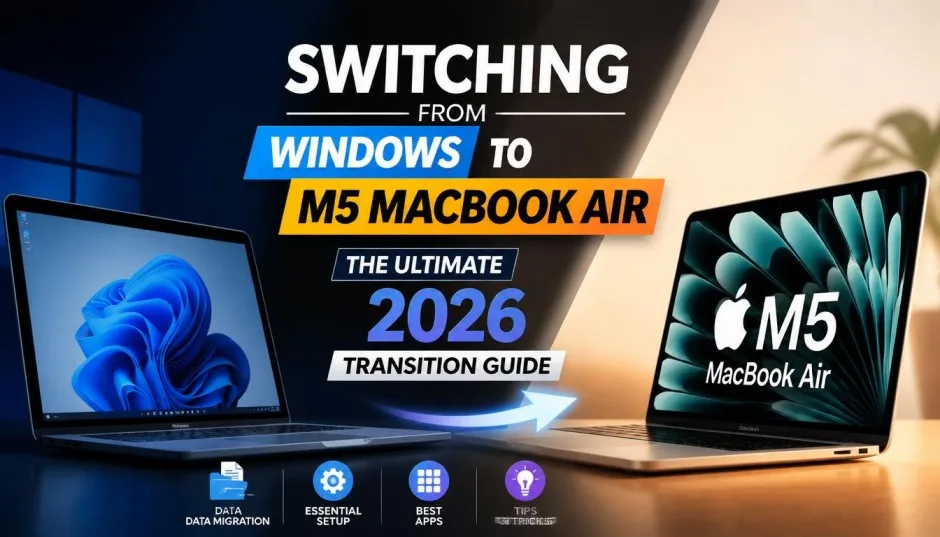
Macintosh desktop experience has changed more in the last five years than in the previous twenty. I learned this the hard way last year. My trusty 2019 iMac sat in my home office.
My new MacBook Air lived in my bag. I assumed keeping them in sync would be simple. Drag a file to iCloud Desktop. Done. Right? Wrong. Settings did not match. App data did not transfer. Automations broke across machines.
That is when the phrase "no Mac is an island" finally clicked. Your Mac sits inside a web of devices. Your iPhone. Your iPad. Your other Macs. Your cloud storage. Understanding that web changes everything about how you work.
The Desktop Metaphor Is Dying. Good
Here is something most Apple fans do not want to hear.
The classic Mac desktop—files, folders, a trash can—is disappearing. A tech writer at Gizmodo called it back in 2012. "The Finder and the Explorer are on their way out," he wrote. "The desktop metaphor is about to die".
Read Also: How to Change ROBLOX FPS On File Explorer Mac for Free?
At the time, I thought he was crazy. I loved my folders. I wanted control over where every file lived.
But look at how you use your Mac today. Do you dig through Finder windows? Or do you search? Do you open Spotlight? Type three letters? Hit enter? That is not the desktop metaphor. That is a database.
Apple sold 156 million iOS devices in one year back then, compared to 122 million Macs over 28 years. The numbers were clear. People wanted the app-centric, search-driven, file-less way of computing. The Mac had to follow.
And it did. macOS now shares more DNA with iOS than with old Mac OS. System Settings looks like an iPad. Launchpad mimics the iPhone home screen. The line blurs every year.
Why No Mac Is an Island: The Ecosystem Trap
I used to keep everything on one Mac. My iMac held every photo, every document, every music file. My laptop was just for travel.
That stopped working when I started switching machines daily.
Why no Mac is an island comes down to three things.
One: You own multiple devices now. Phone. Tablet. Laptop. Desktop. Maybe a work Mac and a personal Mac.
Two: Your data needs to move between them. You start an email on your phone. You finish it on your laptop. You attach a file from your desktop.
Three: Your settings need to follow you. Keyboard shortcuts. Trackpad gestures. App preferences. Recreating them on each machine wastes hours.
A German Mac user described this exact pain. He used a Mac Studio at his desk and a MacBook Air everywhere else. iCloud synced his Desktop and Documents folders. That part worked fine. But his Keyboard Maestro macros? His Hazel automations? His Audio Hijack sessions? None of it synced automatically.
He had to dig into Application Support folders. Copy property list files manually. Keep Python versions matching across both machines. Every time he took a few days off, he spent hours catching up.
That is the trap. Your files are in the cloud. But your workflow is not.
What Is a MAC Medical?
Before I go further, let me answer a common side question.
What is a MAC medical has nothing to do with Apple.
MAC stands for Monitored Anesthesia Care. Also called moderate or conscious sedation. Doctors use it during procedures like colonoscopies or knee surgeries. You stay sleepy and comfortable. You breathe on your own. Someone watches your vital signs the whole time.
If you searched "what is a MAC medical" and ended up here, that is the answer. Now back to computers.
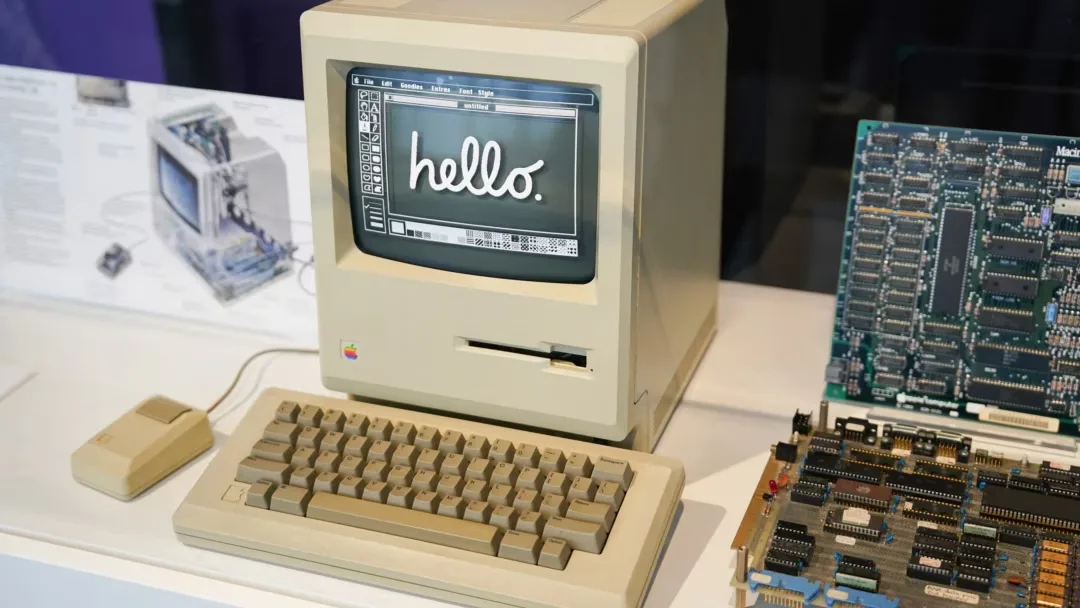
Why Is It Called Macintosh?
Why is it called Macintosh is a question I get from new Mac users.
Jef Raskin, the Apple engineer who started the Mac project, named it after his favorite apple. The McIntosh apple.
You Must Also Like: MacBook Pro Orange Screen: Solutions You Need to Know
But here is the twist. Raskin intentionally misspelled it.
He knew about McIntosh Laboratory, a high-end audio equipment company. He worried about legal trouble. So he changed the spelling to Macintosh.
It did not help. Apple tried to trademark the name in 1982. Denied. Phonetic infringement on McIntosh Laboratory.
Steve Jobs wrote a letter to the president of McIntosh Labs. "We have become very attached to the name Macintosh. Much like one's own child, our product has developed a very definite personality".
Apple eventually licensed the name. Reports say they paid around $100,000. McIntosh's lawyers later said the real number was "significantly higher".
The company briefly considered shortening it to MAC. That would stand for "Mouse-Activated Computer" externally. Internally? "Meaningless Acronym Computer".
They kept Macintosh. We are all better for it.
Is Mac a PC or Laptop?
Is mac a pc or laptop feels like a trick question now.
Technically, PC stands for Personal Computer. A Mac is a personal computer. So yes.
But in common language, "PC" means Windows. That distinction mattered in 1995. It matters less today.
The real question is desktop versus laptop. And that answer has flipped.
For years, desktops were the "real" Macs. Laptops were compromised. Slower processors. Worse graphics. Thermal throttling. The clamshell mode—using a laptop with the lid closed and an external monitor—was buggy. Macs would overheat in backpacks because they failed to sleep properly.
Apple Silicon changed everything.
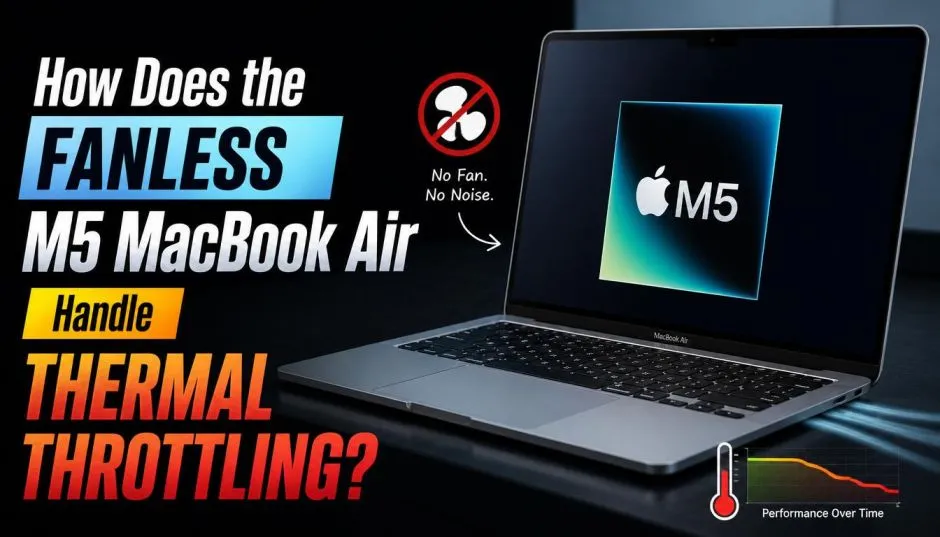
M-series chips run at 40.1°C during operation. Intel chips running 93% of PCs operate at 65.2°C. That 25-degree difference means no fans. No throttling. No backpack meltdowns.
A laptop in 2026 performs like a desktop from two years ago. For most people, that is plenty.
I recently tested a MacBook Pro M4 Max against my Mac Studio M1 Max. The laptop won in several benchmarks. A laptop. That was impossible five years ago.
One German tech writer put it bluntly: Desktop Macs are great, but now they are the outliers. The vast majority of Macs in use are MacBooks. macOS itself is almost entirely optimized for the laptop experience.
The Cloud Is Not a Solution. It Is a Starting Point
iCloud, Dropbox, OneDrive—they solve file syncing. They do not solve workflow syncing.
Here is what syncs well:
-
Files in Desktop and Documents folders
-
Photos across devices
-
Messages and Mail
-
Safari bookmarks and passwords
-
Shortcuts (mostly)
Here is what does NOT sync well:
-
App-specific settings (Keyboard Maestro, Hazel, Audio Hijack)
-
Python environments and installed modules
-
Stream Deck profiles
-
Some automation scripts
-
Application Support folder contents
A developer described keeping two Macs in sync as "a constant challenge." His Python scripts lived in synced folders. But the Python versions and modules on each machine drifted apart. His Hazel rules synced. But the scripts those rules called did not .
The fix? Some apps now offer cloud sync. BBEdit lets you sync preferences via Dropbox or iCloud . More will follow. But we are not there yet.
Who Should Use One Mac vs Multiple Macs?
After a year of testing both setups, here is my honest advice.
Stick with one Mac if:
-
You work from one desk 90% of the time
-
You hate troubleshooting
-
Your apps do not support cloud sync
-
You use complex automations
Use multiple Macs if:
-
You split time between home office and elsewhere
-
You use only stock Apple apps (they sync best)
-
You do not mind occasional manual syncing
-
Your work is file-based, not automation-based
I switched back to one Mac. A MacBook Pro. It connects to a Studio Display at my desk. One Thunderbolt cable does power, video, and data . When I need to leave, I unplug one cable and go.
No syncing. No confusion. No script debugging at 11pm.
Reliability: Where Mac Still Wins?
One reason people stick with the Macintosh desktop experience is reliability. The numbers back this up.
Omnissa's State of Digital Workspace 2026 report analyzed millions of enterprise devices. Windows systems crash 2.2 times more often than Macs. Application freezes happen 7.5 times more on Windows.
Each crash costs nearly 24 minutes of refocus time.
Macs also last longer. Only 2% of Windows machines in managed fleets survive past six years. 11.5% of Macs remain productive after six years—nearly six times the longevity rate.
The old "Get a Mac" ads from 2006 claimed Macs were more reliable. People dismissed it as marketing. The 2026 data says otherwise. Your frustrations with Windows crashes were not imaginary.
Practical Advice for a Multi-Device Life
If you insist on multiple Macs, here is what I learned.
Use iCloud for Desktop and Documents. Turn it on in System Settings > Apple ID > iCloud. This is non-negotiable.
Check app sync before committing. Does your app support iCloud sync? Dropbox? Manual import/export? If none, that app stays on one machine only.
Keep development environments identical. Same Python version. Same installed packages. Same paths. Docker helps here.
Accept manual steps. Some things still require USB drives or AirDrop. It is 2026. It should be better. It is not.
Consider a single powerful laptop instead. Seriously. With Apple Silicon, you lose very little performance. You gain enormous simplicity.
Final Thoughts
The Macintosh desktop experience is no longer about the desktop. It is about the ecosystem. Your Mac talks to your iPhone. Your iPhone talks to your iPad. Your iPad talks to your Apple Watch. Disconnected devices feel broken.
But the ecosystem has limits. Settings drift. Automations break. Cloud sync fails silently. No Mac is an island. But that does not mean you need an archipelago. Choose one primary Mac. Use others as satellites. Keep your core workflows on the main machine. Sync only what you must.
Your future self will thank you. Especially at 11pm when everything just works.